








Frequently Asked Questions
Omnichannel Inbox
Omnichannel Inbox
Manage customer conversations across different channels with Omnichannel Inbox
Manage conversations from WhatsApp Business, Instagram, Facebook Messenger, TikTok, Telegram, website live chat, and other connected channels in a shared workspace. Find and organize conversations, connect them with the relevant teams, and give agents access to the customer information they need alongside each conversation.

From Inbox to Workspace
Keep every conversation's channel, context, and status visible
Bring customer messages together in one workspace while helping teams easily find relevant conversations, identify who is responsible, respond with the necessary context, and follow up until each interaction is complete.
View Conversation Ownership
See which agent or group is associated with a conversation directly in the workspace. Connect the conversation with the relevant team member when necessary.
Access Customer Context
View customer information, relevant conversation history, tags, custom customer fields, and supported CRM contact information alongside the conversation.
Organize and Track Conversations
Organize conversations using categories, tags, channels, and ownership information. Add observers to important conversations and archive completed interactions.

When a Message Arrives
Manage conversations from start to finish in the same workspace

1. Receive the Conversation
Customer conversations from connected channels arrive in Connexease Inbox and are displayed together with their channel information.

2. Organize the Conversation and Make Ownership Visible
Classify conversations using categories and tags. Associate them with the relevant agent or group to make conversation ownership visible in the workspace.

3. Respond with the Right Context
Review customer information, relevant message history, and configured customer fields. Use quick replies and translation features to support communication.

4. Track and Archive
Add observers to conversations, apply supported bulk actions, and archive completed interactions. When a customer sends another message, manage the conversation again in the active workspace.
Stay in Control of High Message Volumes
Find the conversations you need more easily
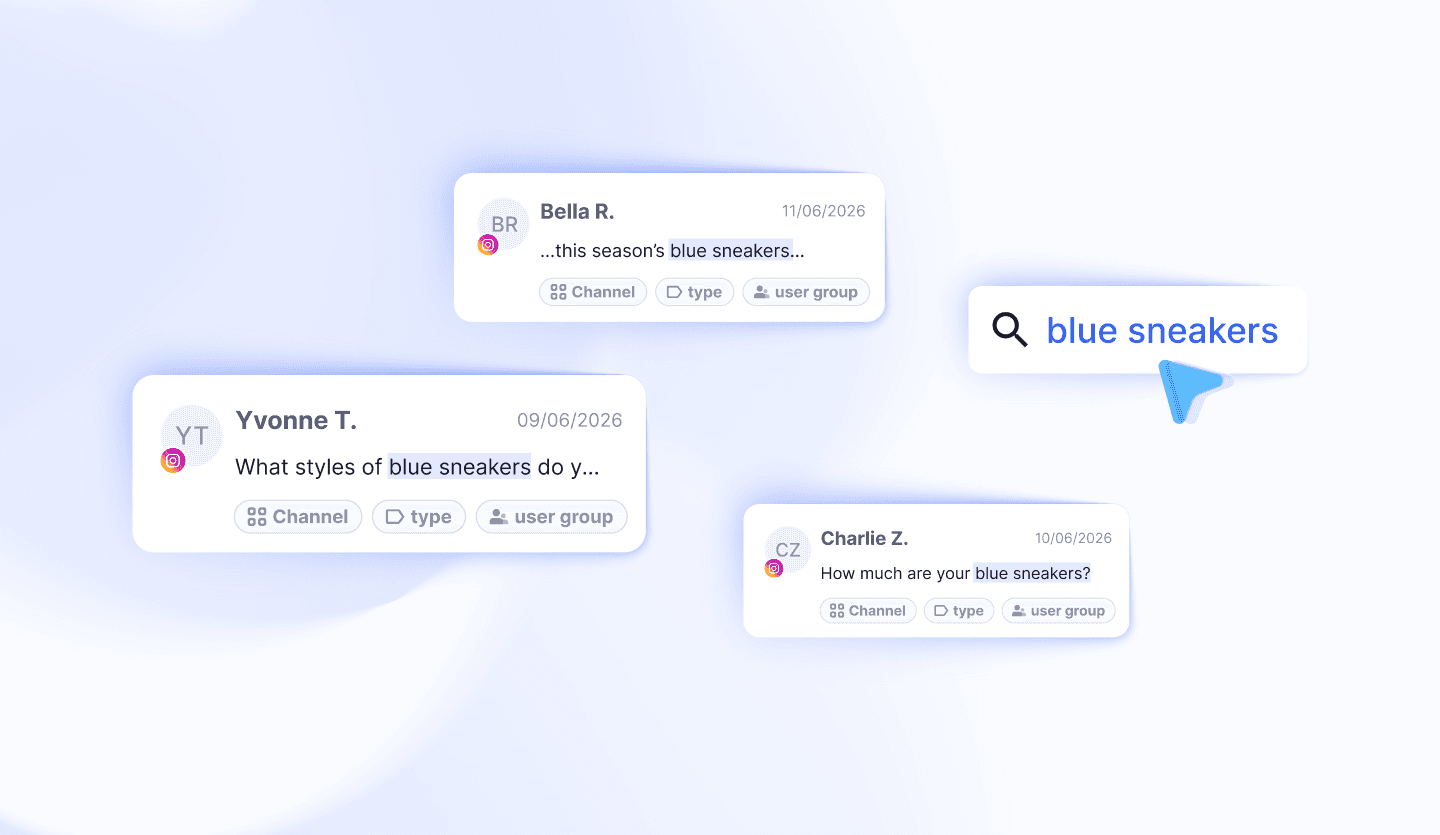
Search conversations using customer names, CRM IDs, or keywords. Organize conversations according to your daily operations using channel, category, tag, and ownership information.
Search
Find past conversations using information associated with customers or conversations.
Find past conversations using information associated with customers or conversations.
Search
Find past conversations using information associated with customers or conversations.
Find past conversations using information associated with customers or conversations.
Categories
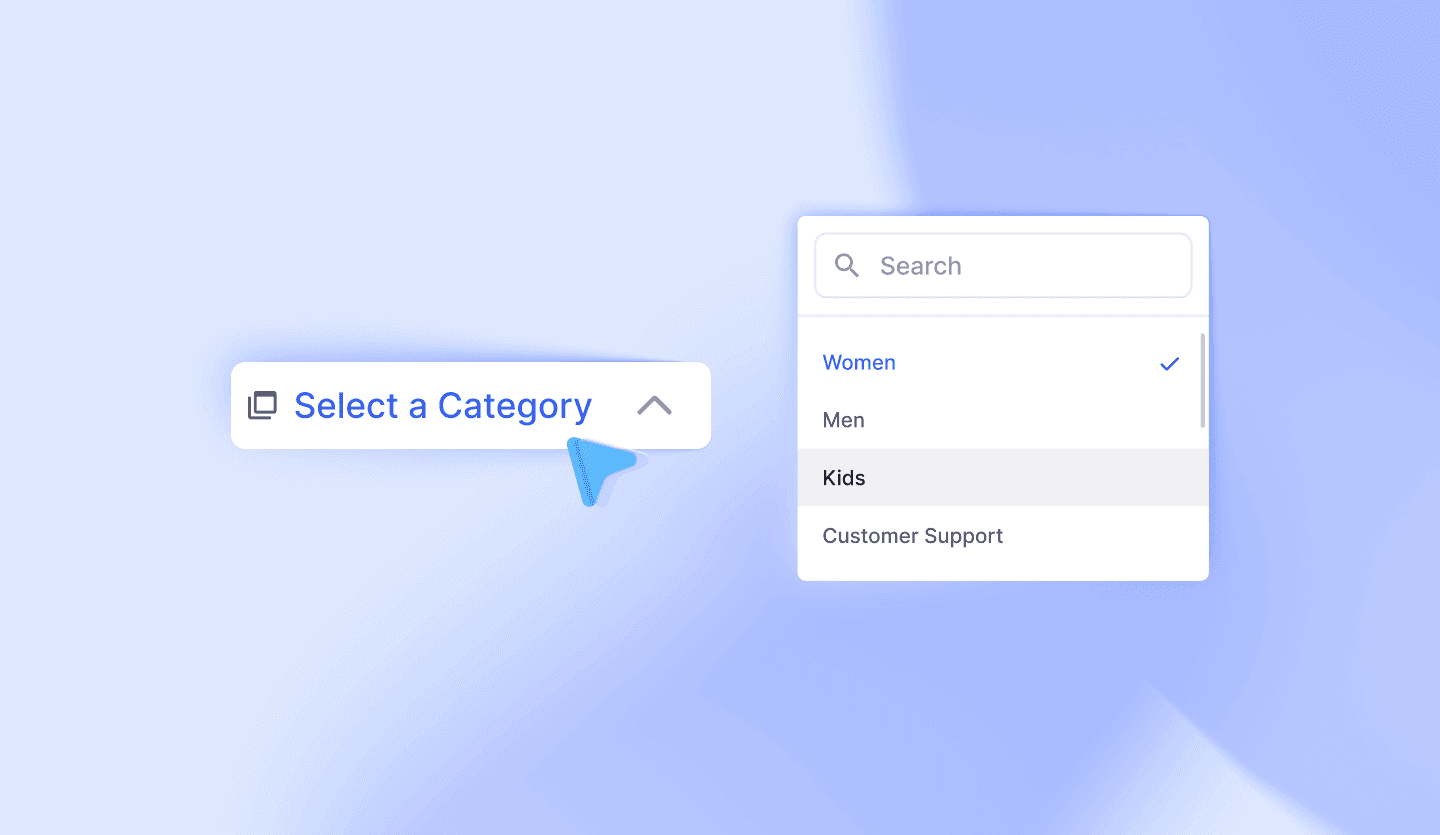
Classify customer requests according to your business-specific category structure.
Classify customer requests according to your business-specific category structure.
Tags
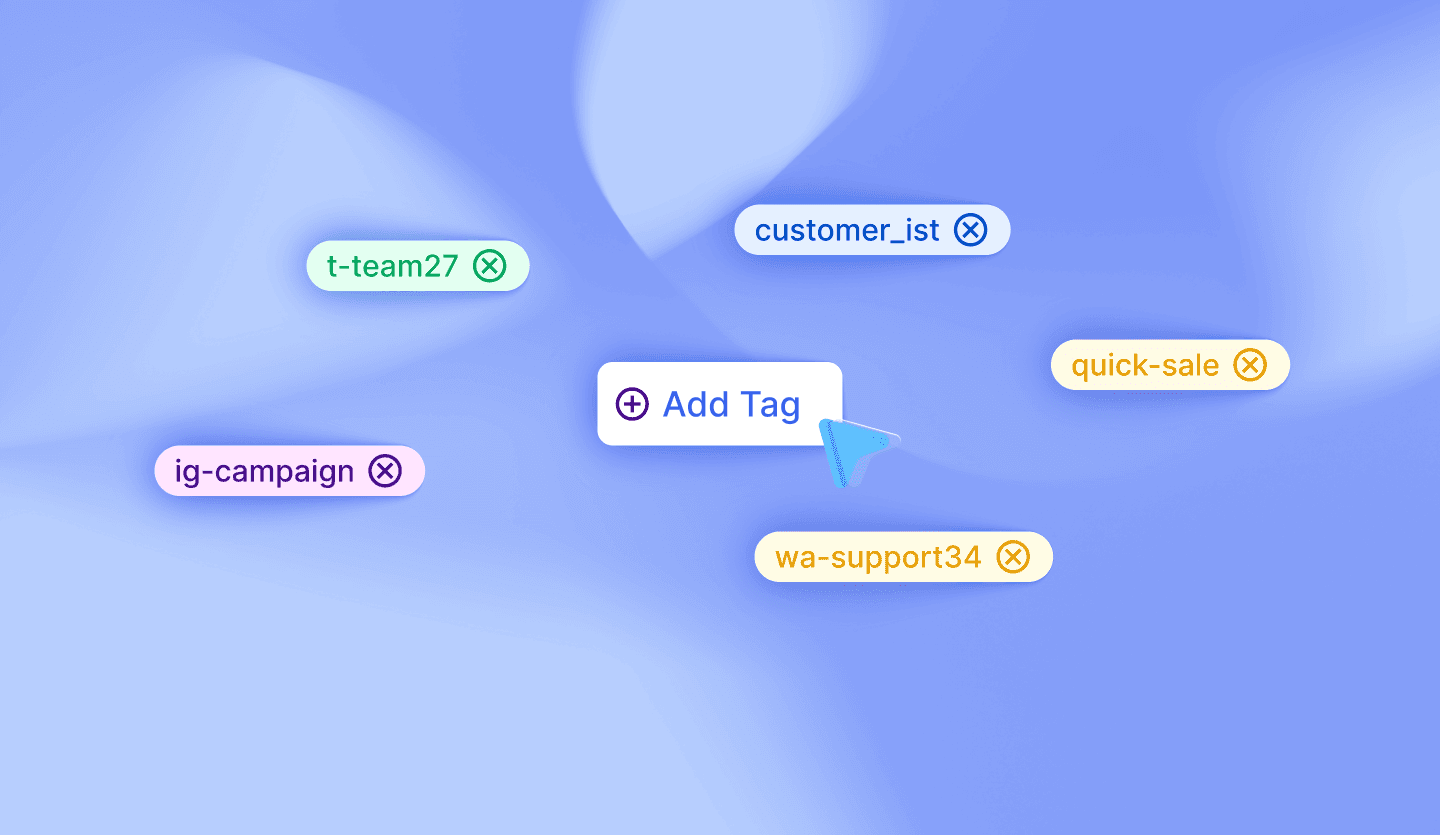
Organize customer and conversation information using tags that help teams easily identify and distinguish relevant details.
Organize customer and conversation information using tags that help teams easily identify and distinguish relevant details.
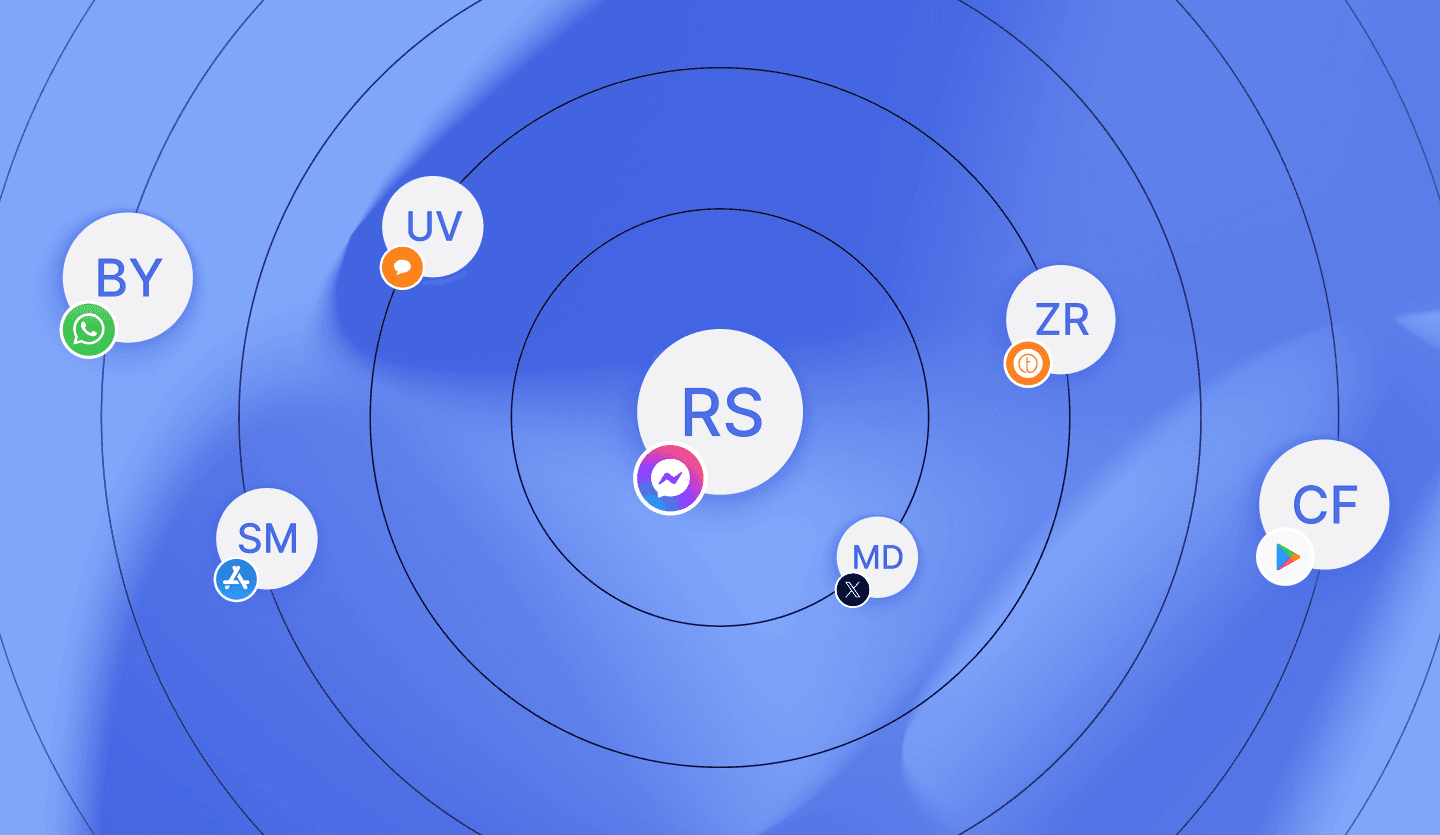
Channel and Ownership Information
See which channel a conversation originated from and who is responsible for managing it.
See which channel a conversation originated from and who is responsible for managing it.
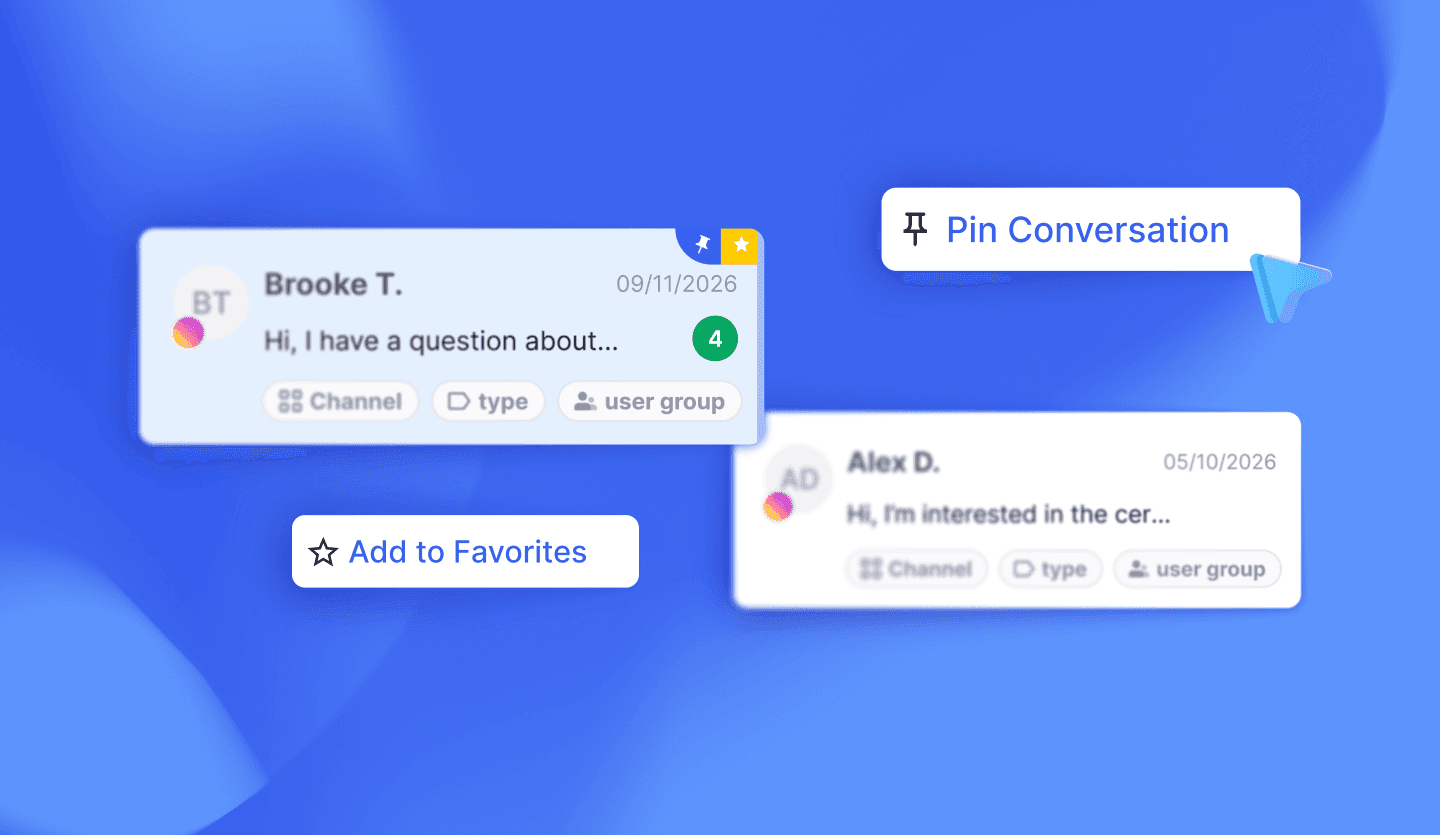
Favorites and Highlighting
Make frequently accessed or operationally important records easier to find using different view options.
Make frequently accessed or operationally important records easier to find using different view options.
Access Information Before Responding
Use customer information alongside conversations
Display customer names, contact information, and business-specific fields directly in the conversation workspace. Access supported CRM contact card fields alongside the relevant customer conversation and update them when necessary.
Connexease Customer Fields
View and update supported contact card fields from connected CRM systems directly within Inbox. Explore the supported systems and field coverage of ready-made connections on the CRM & Integrations page.
Supported CRM Contact Card Information
View and update supported contact card fields from connected CRM systems directly within Inbox. Explore the supported systems and field coverage of ready-made connections on the CRM & Integrations page.

Response Tools
Make communication easier with quick replies and translation

Quick Replies
Create ready-to-use responses for frequently asked questions and recurring communication scenarios. Give agents easy access to these responses during conversations.

Message Translation
View translations of incoming messages in different languages in your selected language. Translate agents' responses into the language used by the customer to continue communication within the same workspace.

Track Conversations Until Resolution
Manage conversations with individual or bulk actions
Add observers to important conversations, track change notifications, and apply bulk actions to selected conversations. Archive completed conversations and access past records again when needed.

Conversation Observers
Add authorized users to conversations as observers. Keep observers informed about changes to the assigned agent, group, category, and conversation status within the scope you define.

Bulk Actions
Apply bulk actions such as Assignment, Archiving, and Message Actions to selected conversations.

Conversation Sharing
Export conversations as PDF files or send them by email to an active platform user.

Document Sending
Select and send PDFs, quotation files, or contracts from your phone's files.
One Workspace for Different Teams
Manage support, sales, and marketing conversations within the same workflow
Trust Connexease to manage communication, speed up processes, and seamlessly organize all customer interactions in a single flow.
Make Pending Requests and Responsibilities Visible
Organize support conversations using categories, tags, and ownership information. Give agents access to relevant customer context and quick replies directly from their workspace.
Connect Sales Conversations with the Right Teams
Organize conversations initiated through WhatsApp, social media, or advertisements using the relevant tag and category structure. Make conversation ownership visible to ensure seamless follow-up across teams.
Manage Customer Replies to Template Message Campaigns
Receive customer conversations initiated after Marketing or Utility Template Message campaigns directly within Inbox. Connect responses with the relevant sales or support teams.
Use Inbox with Other Connexease Capabilities
Complete conversation management with team operations, automation, and reporting
Inbox is the central communication workspace that brings all customer messages together in one place, regardless of channel, and enables teams to respond quickly. It serves as a control center, especially for businesses managing high volumes of customer communication.
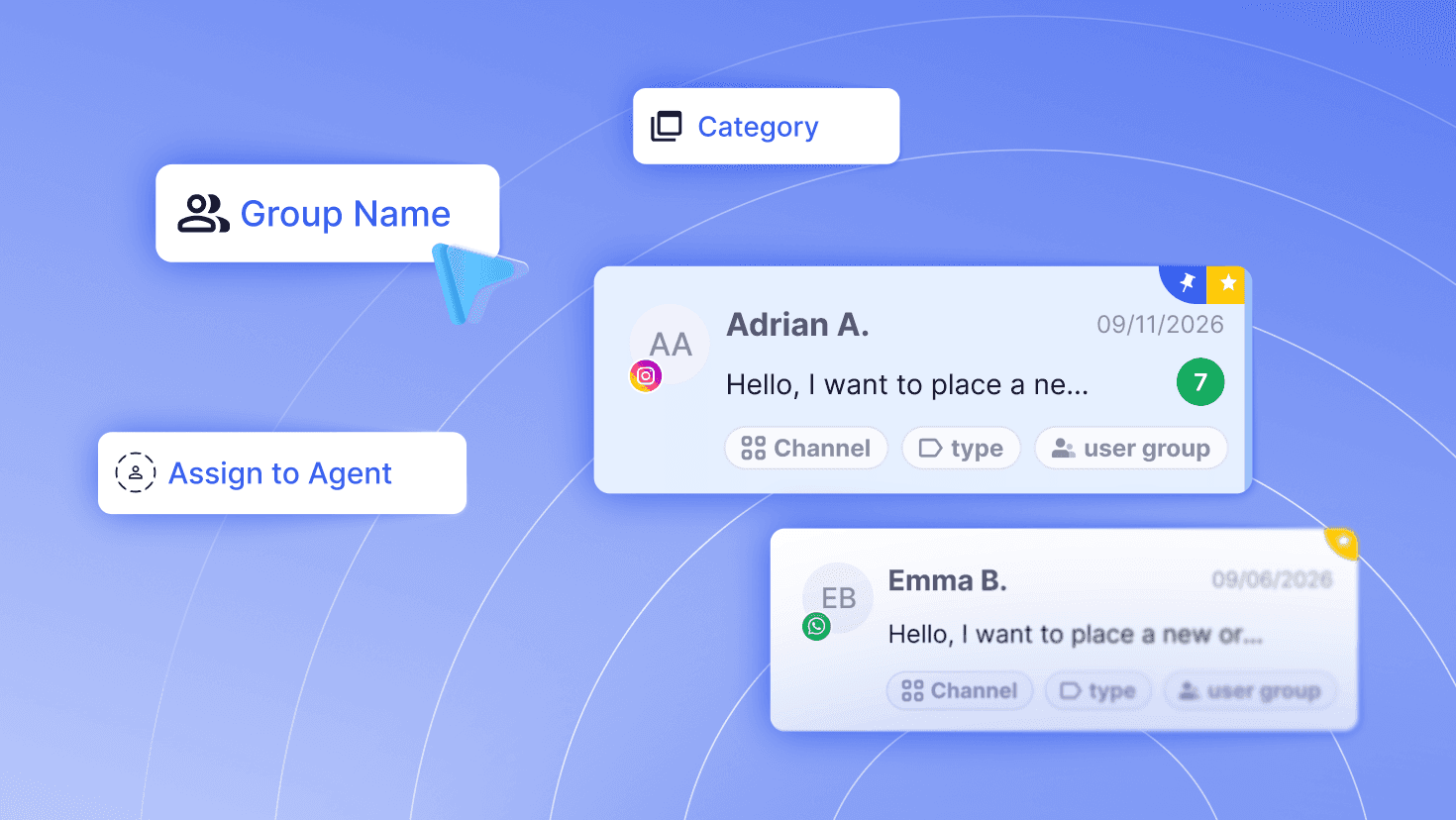
Live Support
Manage Advanced Conversation Ownership and Team Workloads
Assign conversations to agents or groups, transfer them when necessary, and manage working conditions such as agent availability.
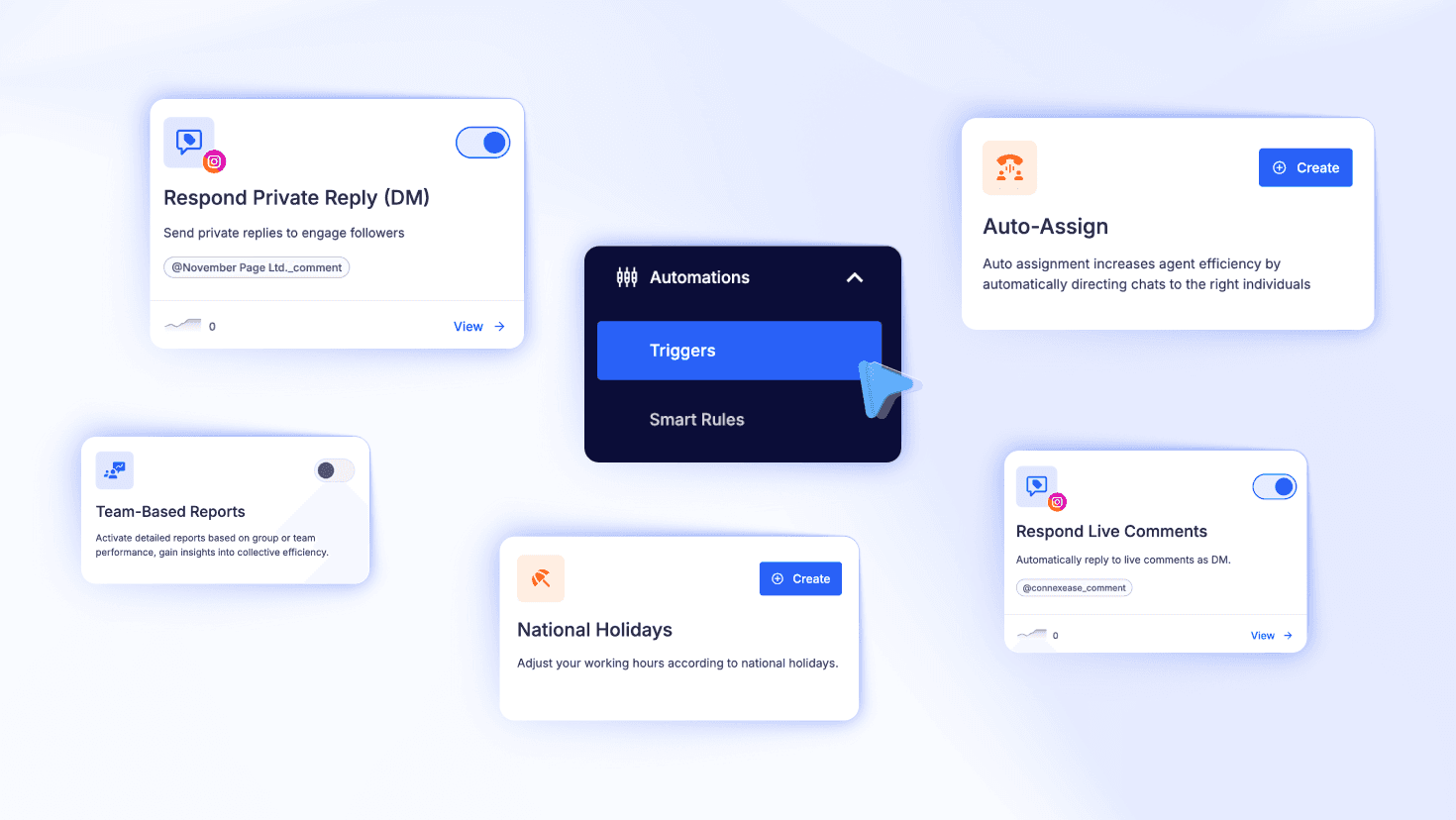
Chatbot & Automation
Manage Repetitive Conversation and Team Actions with Rules
Configure operational steps such as greetings, follow-ups, categorization, and assignments using Triggers and Smart Rules. Manage transitions from integrated bots to human support.
CRM & Integrations
Ready-Made CRM Connections
Explore how supported CRM contact card fields are displayed, updated, and mapped within Inbox.
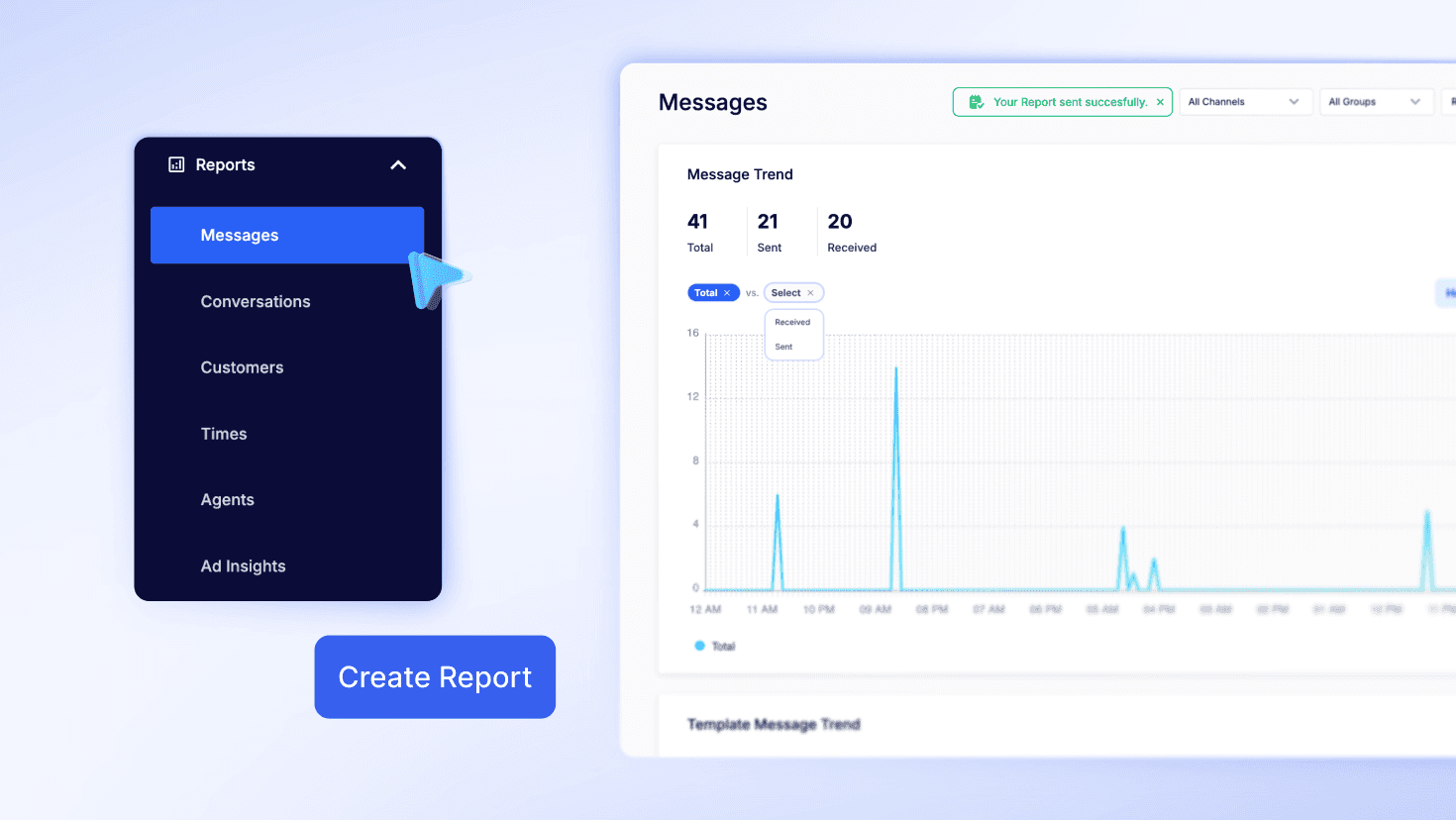
Reporting & Performance
Make Conversation and Team Operations Measurable
Review message and conversation volumes, response times, agent activities, and conversation context through reports.

Let's Configure Connexease Inbox for Your Team
Let's evaluate the communication channels you use, your team structure, and your daily conversation volume. We'll demonstrate how customer conversations are organized in Connexease Inbox, how agents respond with the necessary context, and how conversations are managed across teams.