




















It is preferred and used by many major brands

Chatbot & Otomasyonlar

Manage customer communications with automation and integrated chatbot flows

Trigger actions based on specific events and time conditions, configure team workflows with Smart Rules, and manage the transition from integrated chatbot conversations to live support.
Manage customer communications with automation and integrated chatbot flows

Automate repetitive steps while maintaining your team's workflows

Define automated actions for specific events and conditions to ensure teams follow consistent operational rules and route conversations requiring live support to the appropriate team.
Make Priority Conversations Easier to Identify

Help your team identify conversations that have been waiting for an extended period or are approaching a specific time limit.

Apply Consistent Workflows Across Your Team

Apply operational rules for assignments, agent availability, categories, business hours, and customer information visibility according to your business needs.

Enable a Seamless Transition from Chatbot to Live Support

Transfer conversations that would benefit from human assistance from chatbot flows to your live support operations.

Manage event-based actions, operational rules, and chatbot handoffs together

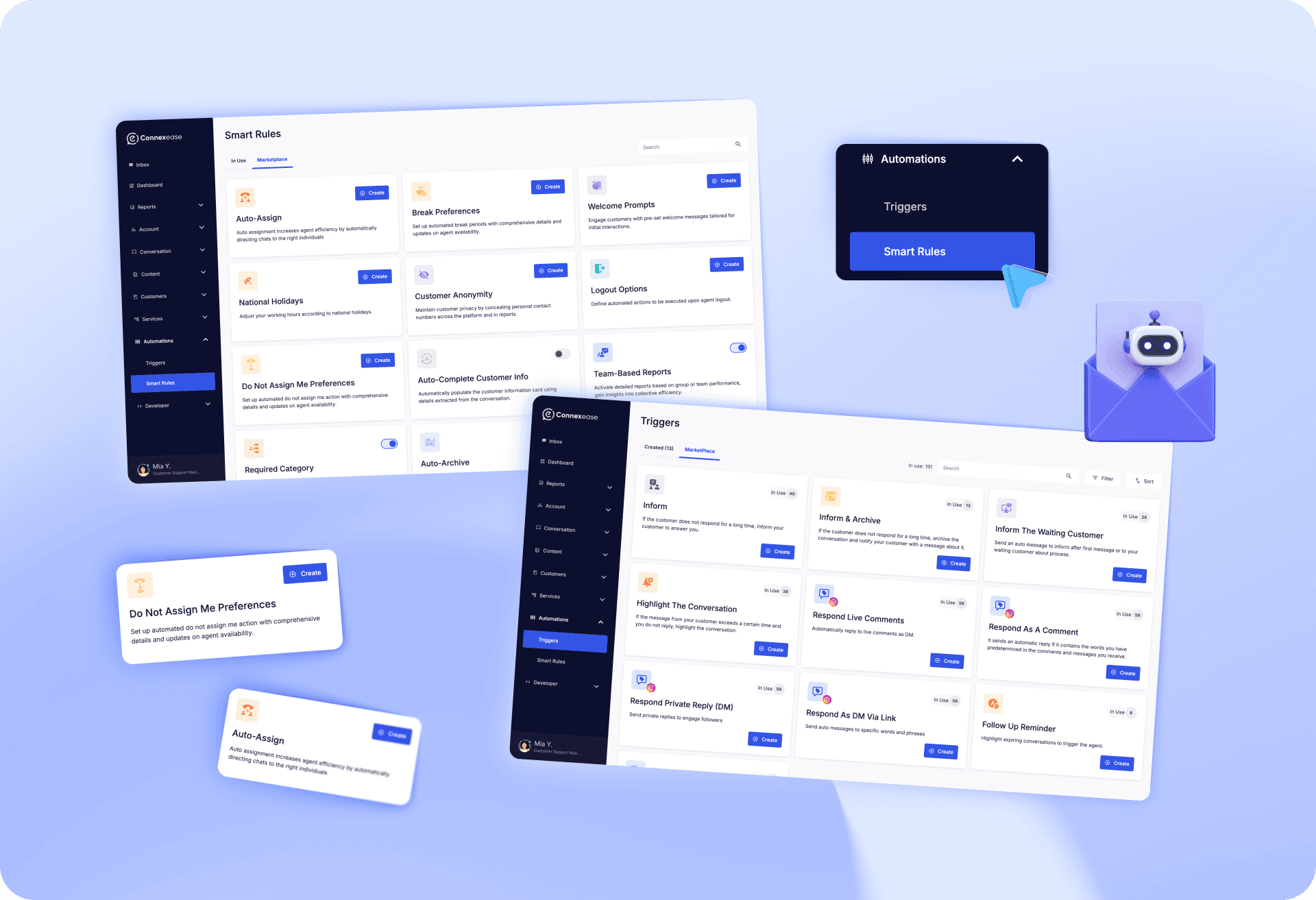
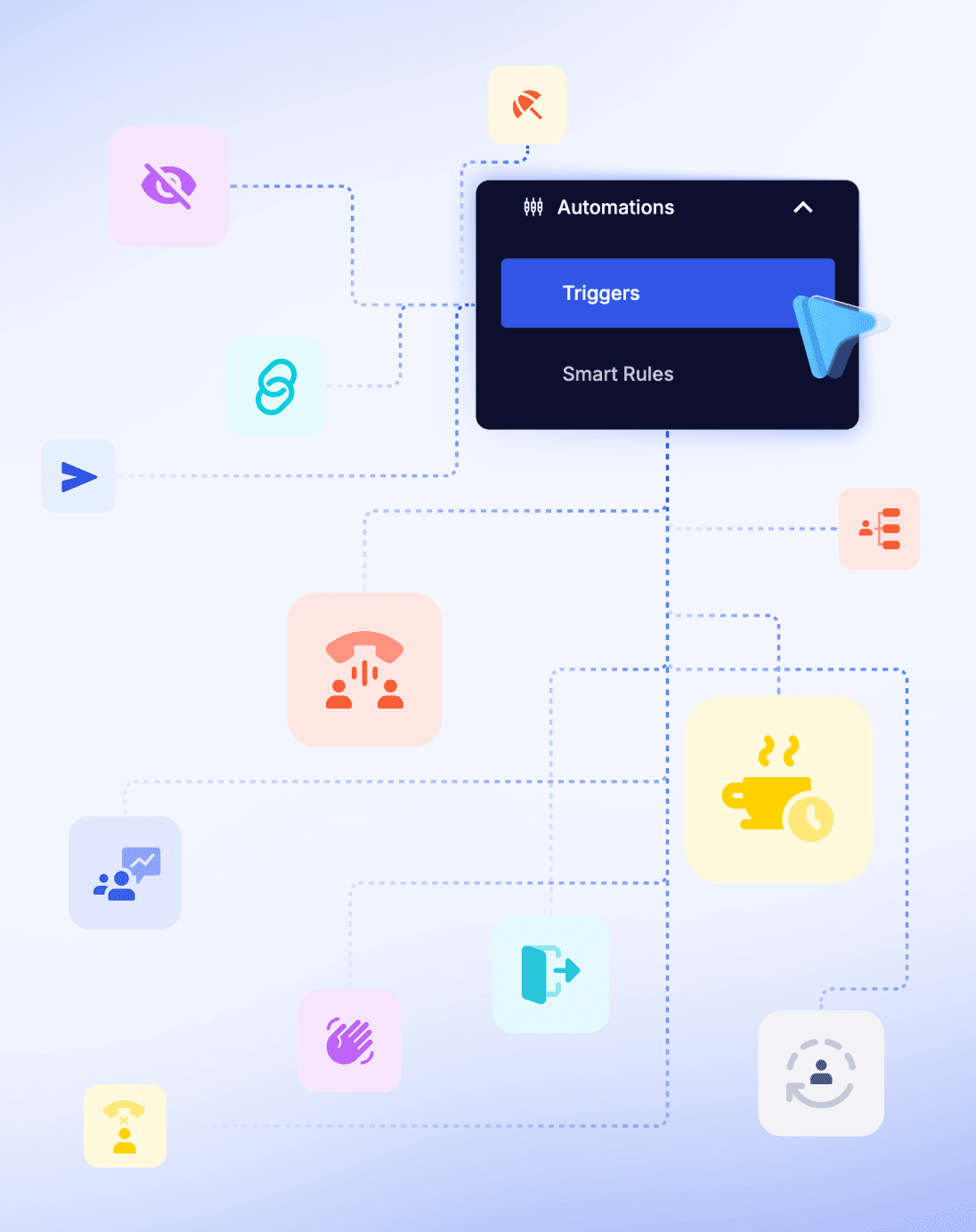
Connexease automation goes beyond sending automated messages to customers. Triggers define actions based on events, Smart Rules determine how team operations work, and chatbot integrations connect automated conversations to live support operations.

Associate events such as customer messages, elapsed time, keywords, or supported social media interactions with specific actions.

Background

Configure operational rules for assignments, agent availability, categories, working hours, and customer information visibility.

Background

Connect the chatbot solution that fits your business needs to Connexease and transfer conversations requiring live agent support to the relevant agent or group.

Background

Trigger automated actions based on events

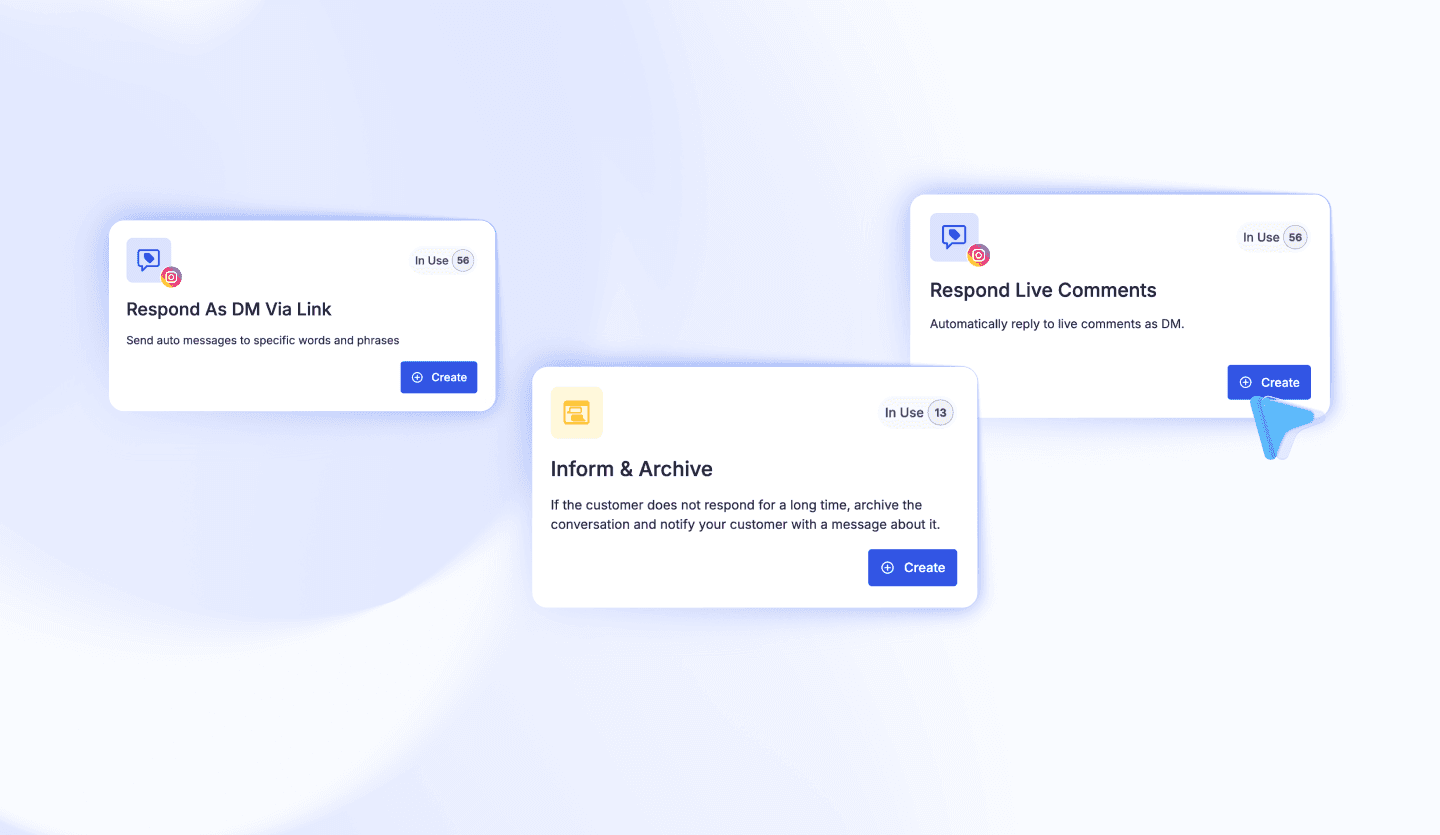
Connect events occurring in customer conversations and supported social media interactions with automated actions. Streamline operations by automating repetitive follow-up tasks for your teams.

inbox feature image

Conversation Triggers

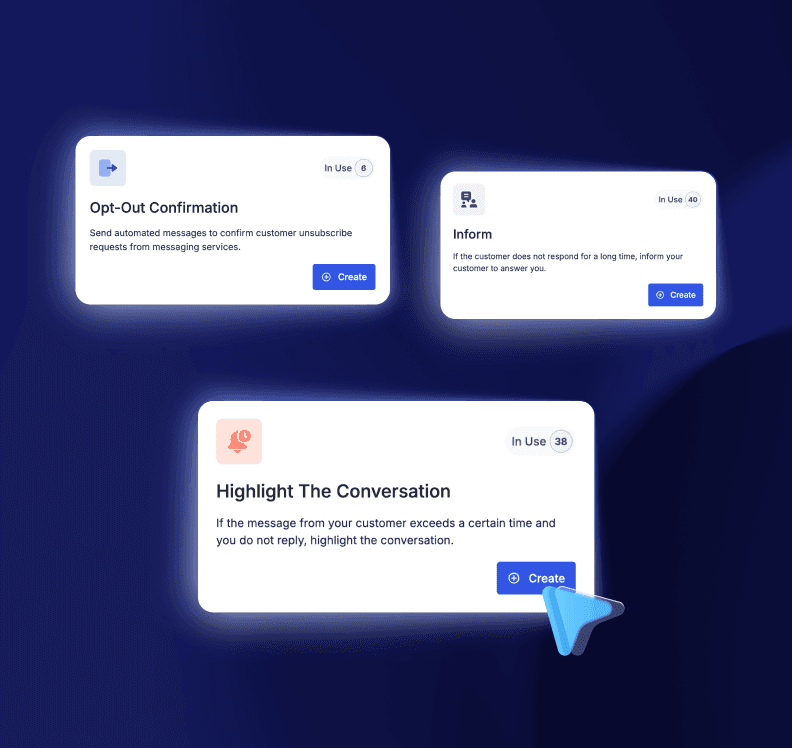
Flag Conversations That Exceed the Response Time

Flag Conversations That Exceed the Response Time

When a customer message remains unanswered for a defined period, highlight the conversation to draw the agent's attention.

Keep Waiting Customers Informed

Keep Waiting Customers Informed

Send a configured notification message to the customer when defined waiting time or process conditions are met.

Monitor the WhatsApp Conversation Window

Monitor the WhatsApp Conversation Window

Apply actions that help your team identify conversations approaching time-based limits, such as the end of the WhatsApp customer service window.

Confirm Opt-Out Requests

Confirm Opt-Out Requests

Automatically notify customers that their request to unsubscribe from your messaging list has been received.

inbox feature image

Social Media Triggers

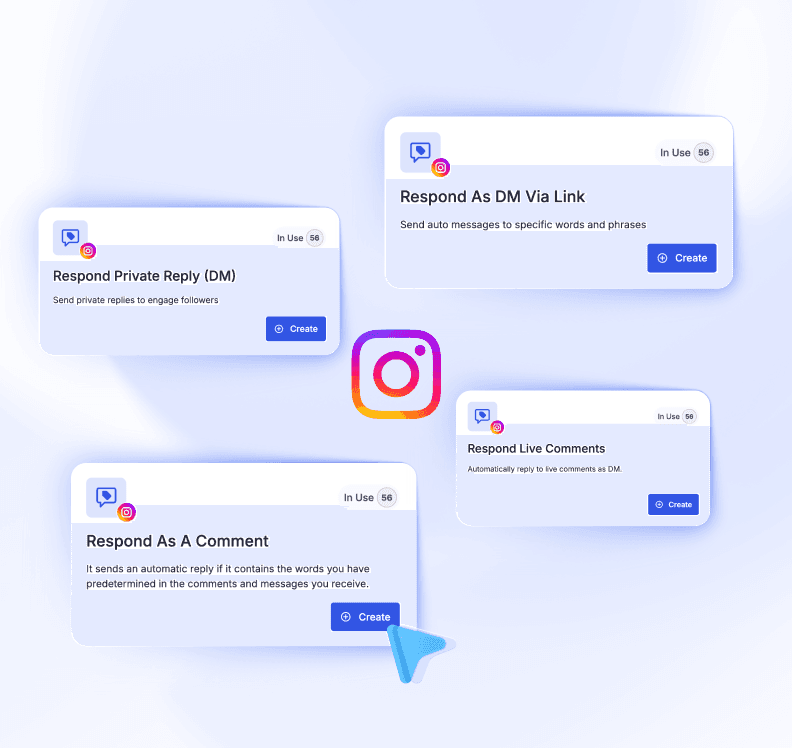
Automatically Reply to Comments

Automatically Reply to Comments

Send predefined replies to social media comments that meet your configured conditions.

Start DMs Based on Keywords

Start DMs Based on Keywords

Automatically send a direct message to customers when specified words or phrases appear in comments or messages.

Turn Live Stream Interactions into Direct Messages

Turn Live Stream Interactions into Direct Messages

Send automated DMs following supported live stream interactions to turn engagement into one-to-one conversations.

Share Information or Links

Share Information or Links

Deliver configured messages containing product information, campaign details, application links, or next steps following relevant interactions.

Continue Conversations in Inbox

Continue Conversations in Inbox

When customers respond to automated messages, continue the conversation with an agent through Connexease Inbox.

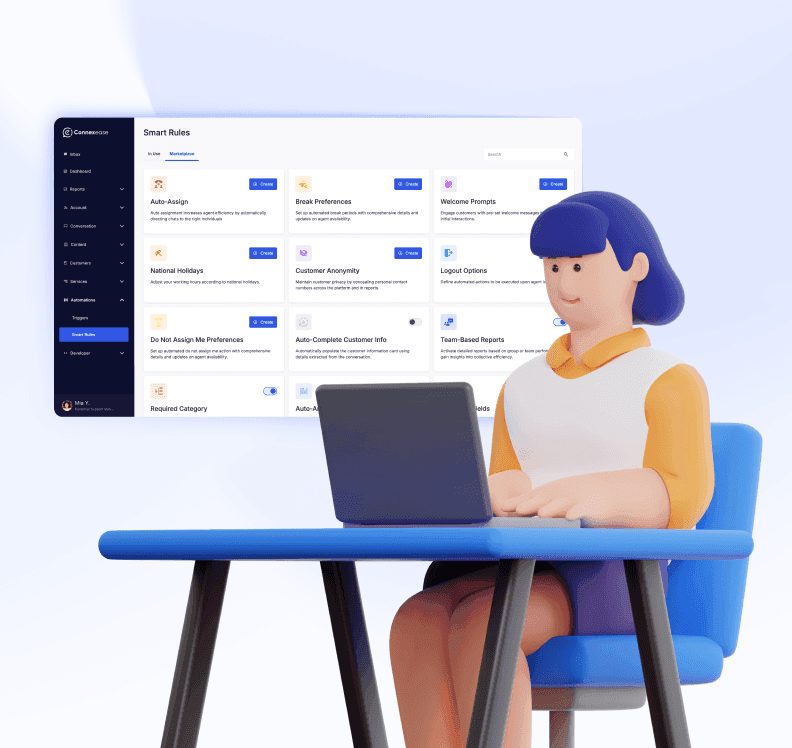
Define how your teams work and apply rules automatically

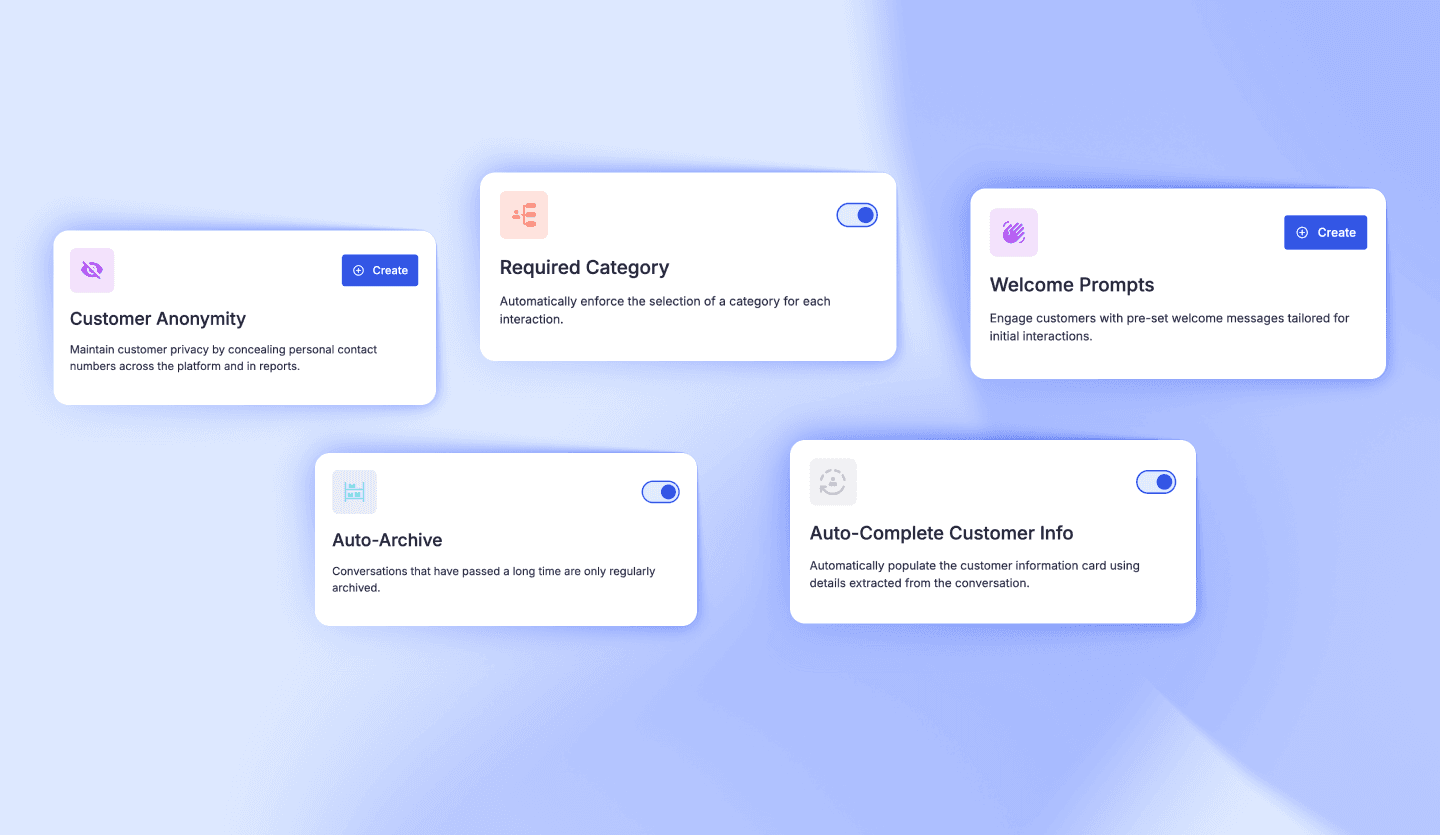
Configure customer communication operations with Smart Rules, including assignments, availability, classification, business hours, and customer information visibility.

inbox feature image

Assignments and Agent Availability

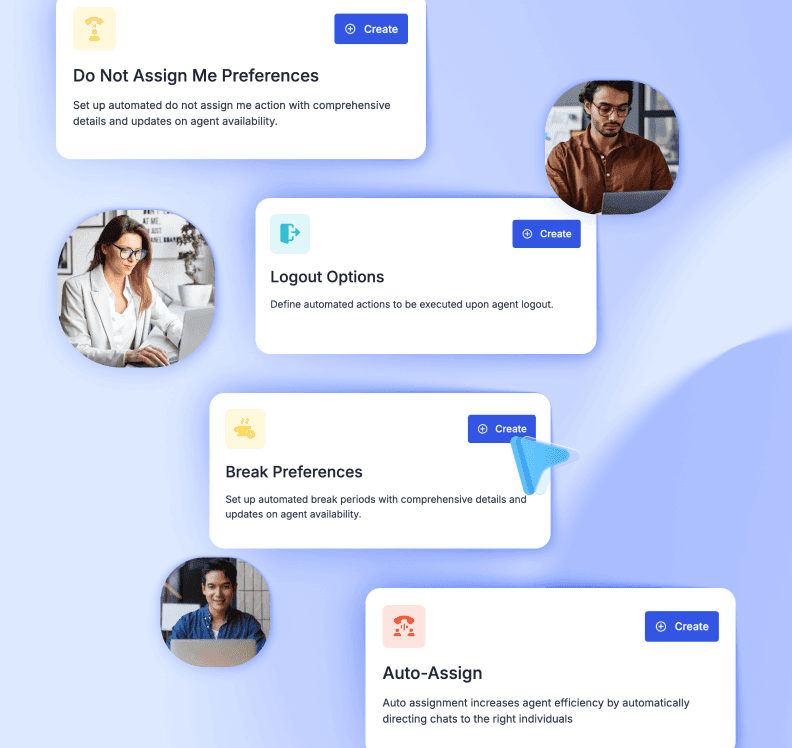
Automatic Assignment

Automatic Assignment

Route new conversations to team members using sequential distribution or methods that consider the total number of assignments received throughout the day.

Break Status

Break Status

When an agent manually selects their break status, exclude them from the automatic assignment pool and route new conversations to other available agents.

Unavailable for New Assignments

Unavailable for New Assignments

Allow agents to manually make themselves unavailable for new assignments while continuing to manage existing conversations. Route new conversations to other available team members in the distribution pool.

Agent Logout Actions

Agent Logout Actions

Define in advance which supported action should be applied to open conversations when an agent logs out of the platform.

inbox feature image

Operational Standardization

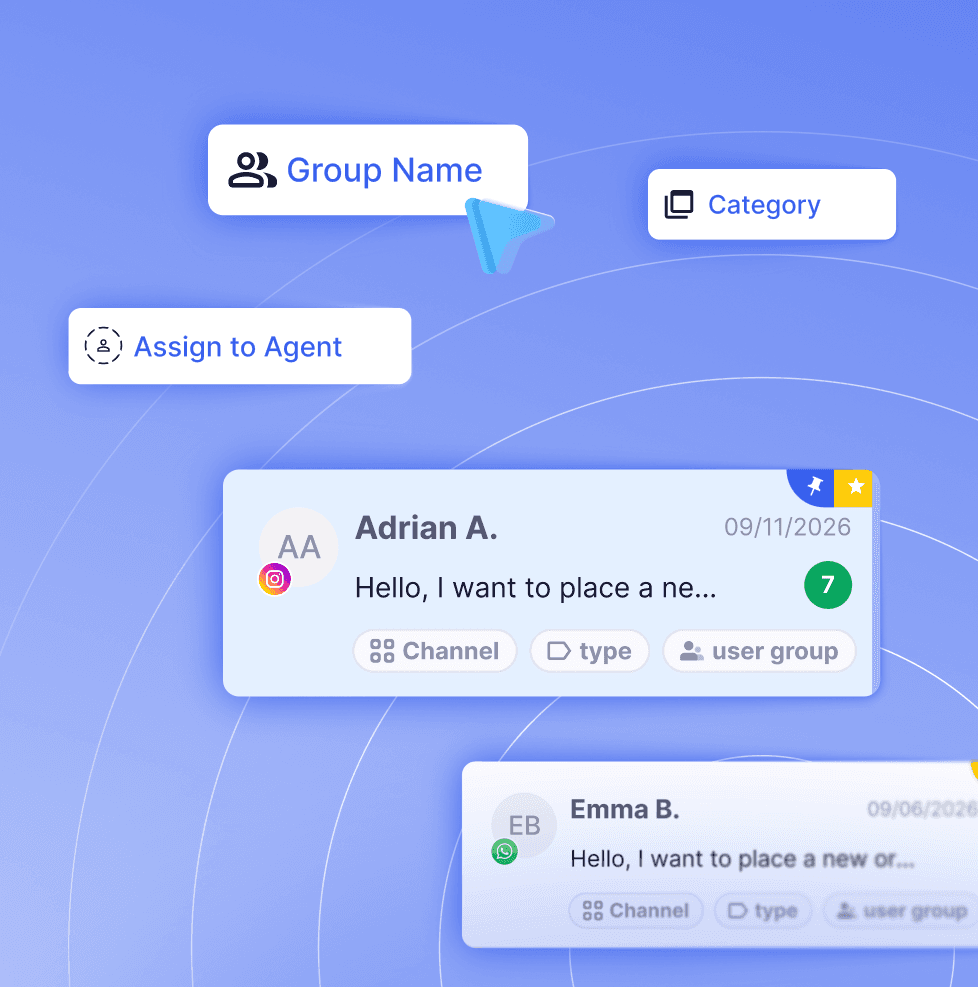
Standardize Category Usage

Standardize Category Usage

Standardize category selection to ensure conversations follow a consistent classification structure across your team.

Business Hours and Public Holidays

Business Hours and Public Holidays

Define your business hours and holidays to ensure relevant automation runs according to your operational schedule.

Related Fields

Related Fields

Establish relationships between customer and conversation fields to help agents collect the necessary information in a more organized way.

Configured Welcome Messages

Configured Welcome Messages

Display a configured welcome message to customers following a defined event in chatbot or automation scenarios.

inbox feature image

Customer Information and Visibility

Populate Fields with Existing Customer Information

Populate Fields with Existing Customer Information

Transfer customer information available in the Connexease account to the relevant fields in the agent workspace, reducing repetitive data entry.

Manage Customer Information Visibility

Manage Customer Information Visibility

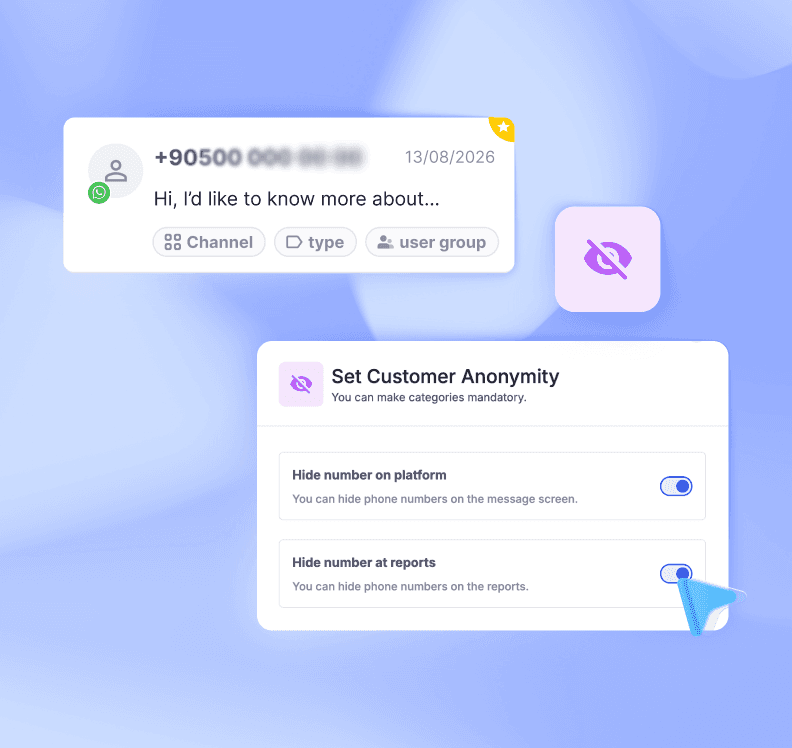
Use the Customer Anonymity feature to manage the visibility of customer phone numbers in conversation and reporting screens according to your needs.

Choose, activate, and configure according to your needs

Explore the available Trigger and Smart Rule options. Activate the features you want to use and configure timing, messages, business hours, and operational conditions according to your workflows.

Explore the available Trigger and Smart Rule options. Activate your preferred features and adjust timing, messages, business hours, and operational conditions to match how your business operates.

1. Explore the Available Options

Review the Trigger and Smart Rule options in Marketplace and identify the capabilities that match your operational needs.

2. Activate for Your Account

Activate the selected feature for the relevant account.

3. Configure for Your Workflows

Adjust supported timing, messages, business hours, holidays, agent preferences, and other conditions according to your operations.

4. Manage Active Rules

Update the settings of activated automations when needed or disable the relevant rule.
Choose, activate, and configure according to your needs

Connect chatbot conversations to your live support operations

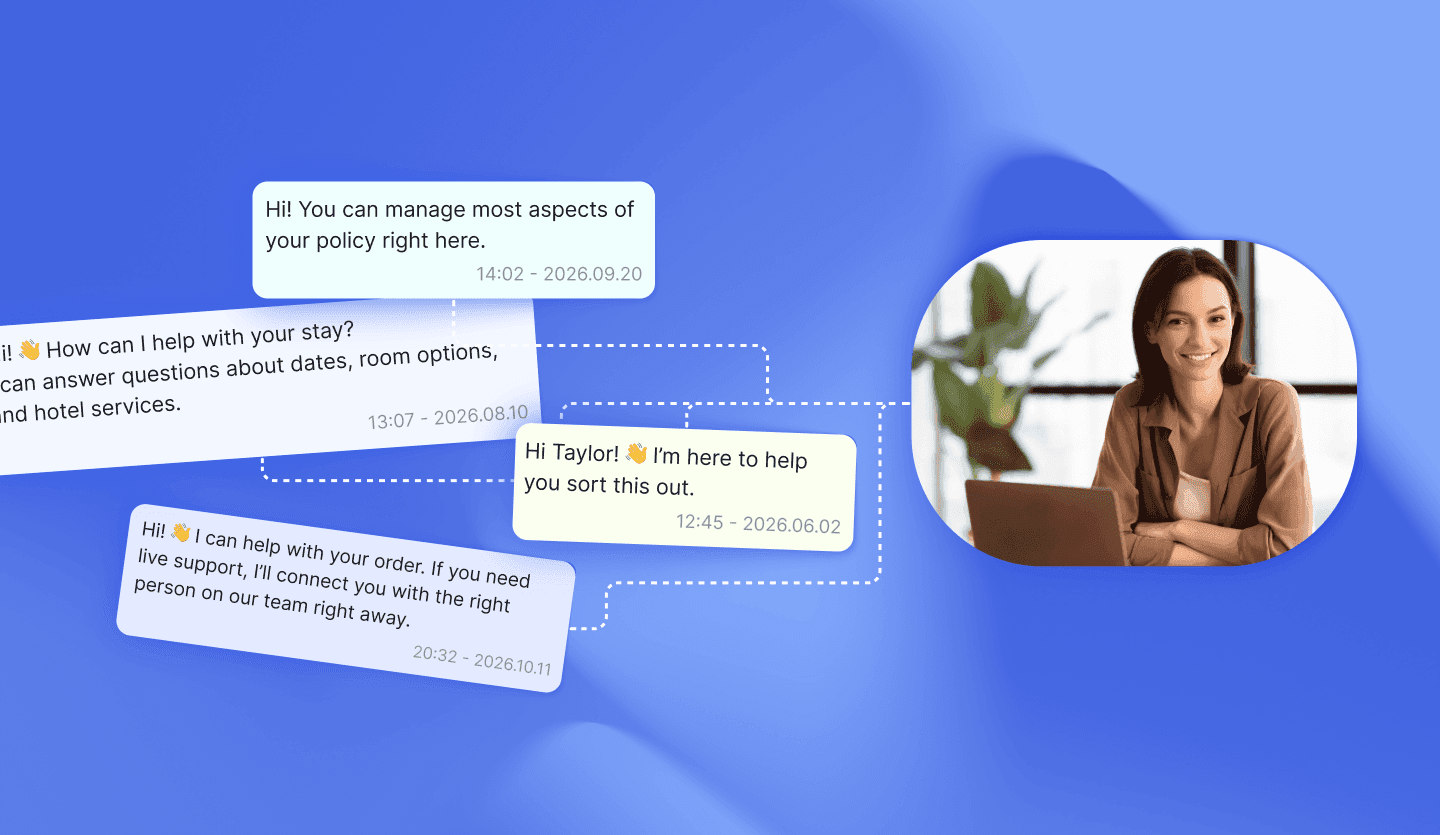
Integrate a chatbot solution that meets your business needs with Connexease. Connect the automated conversation steps supported by the integrated solution to your customer communication operations, and transfer conversations requiring live agent assistance to the relevant agent or group.
Let's Discuss Your Chatbot Scenario
Connect Chatbot Flows to Customer Communication

Use the greeting, information collection, frequently asked questions, and routing steps supported by the integrated solution together with your Connexease operations.

Identify When Live Agent Support Is Needed

Define the conditions for transitioning conversations that require human assistance to live support.

Transfer to an Agent or Group

Route conversations directly to the relevant agent or operational group.

Continue Conversations in Inbox

Agents take over conversations from chatbot flows through Connexease Inbox. They can continue communication using customer information and conversation context transferred through the integration.

DeFacto reduced agent message traffic with an integrated WhatsApp bot flow

In DeFacto's MENA operations, WhatsApp messaging was used alongside a bot solution integrated with Connexease. Managing part of the repetitive customer communication through bot flows helped reduce the volume of messages reaching agents.
Get Started Now

69-75%

Reduction in Message Traffic

A 69–75% reduction in message traffic per agent was reported following the WhatsApp bot integration.

Use automation together with other platform capabilities

Combine actions created by Triggers, Smart Rules, and chatbot integrations with Inbox, Live Support, CRM contact cards, and reporting capabilities.

Manage Ongoing Conversations in a Shared Workspace After Automation

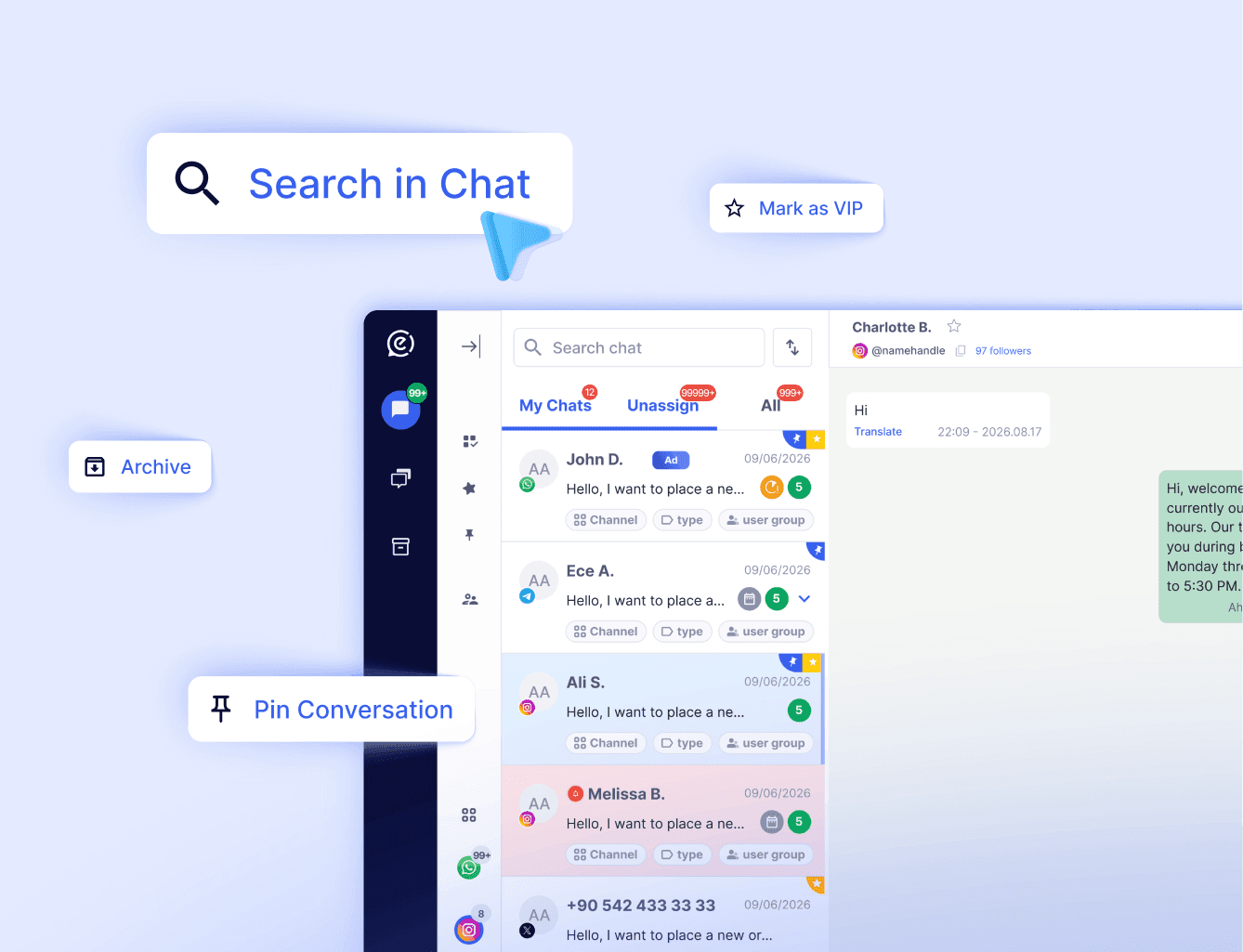
Omnichannel Inbox

Manage Ongoing Conversations in a Shared Workspace After Automation

Track conversations initiated after a Trigger or chatbot flow, along with their channel, category, assigned owner, and available conversation context.

Live Support

Route conversations transferred by a chatbot or requiring agent intervention to the relevant agent or group. Manage assignments, transfers, and agent availability.

Live Support

CRM & Integrations

View and update supported fields from HubSpot, Zoho CRM, Jira, and Next4biz contact cards directly within Connexease Inbox.

Live Demo

Let's identify which steps of your customer communication processes can be automated.

Reporting & Performance

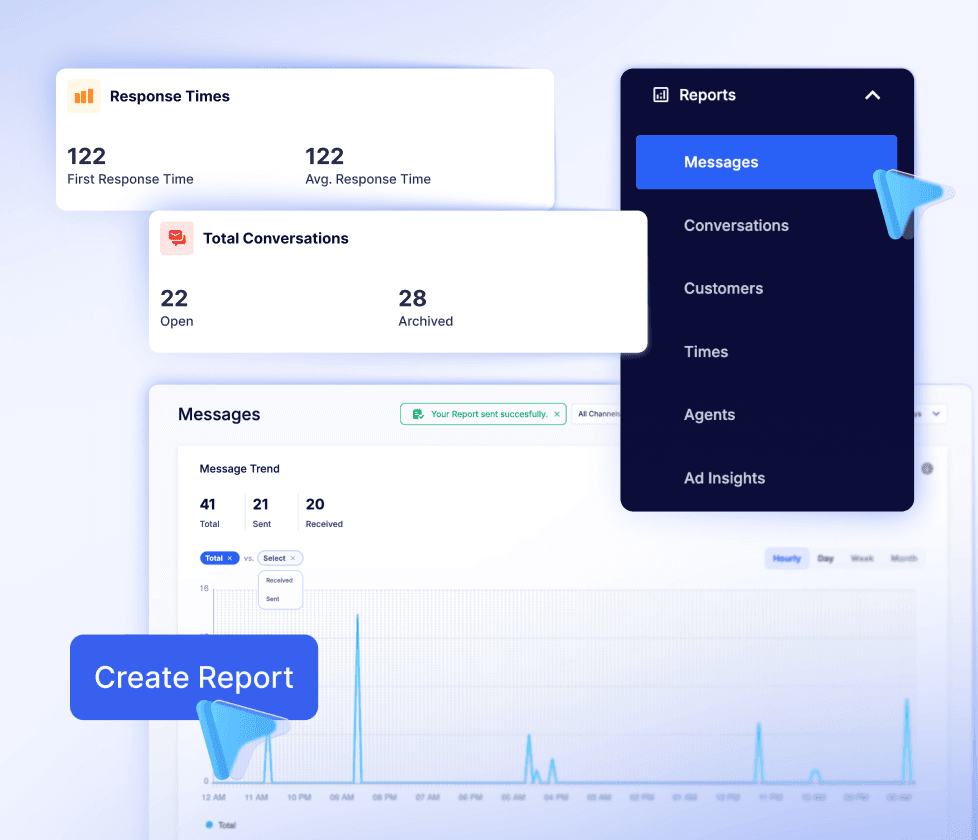
Review conversation and message volumes, response times, agent activities, and conversation context through reports.

Reporting & Performance

Frequently asked questions about Connexease chatbot integrations and automation

Let's Identify the Right Automation for Your Customer Communication

Let's evaluate the channels you use, your team's workflows, and repetitive customer communication tasks. We'll demonstrate how Triggers, Smart Rules, and chatbot integrations can be adapted to your operations through the Connexease platform.

Let's Discuss Your Automation Scenario